How to Send a 2GB File for Free
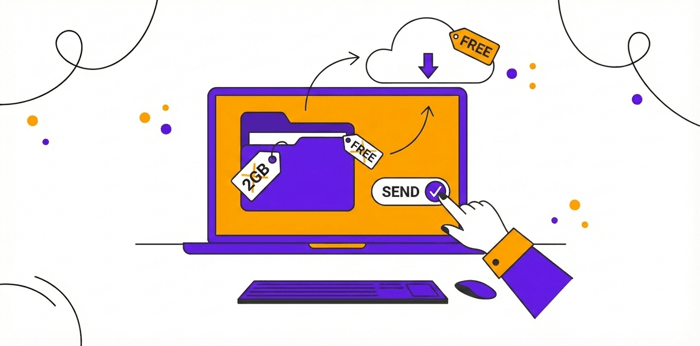
Table of Contents
How to Send a 2GB File for Free
In today’s digital world, sharing large files like high-resolution videos, extensive photo collections, or hefty design projects can be a hassle. Email attachments often cap out at 25MB, and other methods might require paid subscriptions or complicated setups. Fortunately, DropSend makes it easy to send a 2GB file for free with its secure platform. Offering unlimited file sizes on the free plan, you can send up to 5 files per month, each downloadable up to 10 times by a single recipient. Let’s walk through the straightforward process step by step to send a 2GB file for free.
Step 1: Register for a Free Account
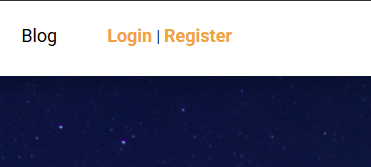
Head over to https://www.dropsend.com/ and click on the “Register” button. DropSend’s free plan is essentially a no-cost option with basic features. Fill in your details, including your email address and a password. Once submitted, you’ll receive a verification email to confirm your account. This quick step ensures security and gets you started in minutes.
Step 2: Login and click “Send File”
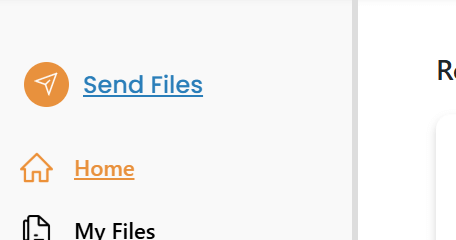
Log in to your new DropSend dashboard. Look for the prominent “Send File” button. You’ll be prompted to verify your email during this process, simply follow the on-screen instructions to complete it. This double-check helps maintain the our high security standards.
Step 3: Upload Your File, Add Recipient, and Send
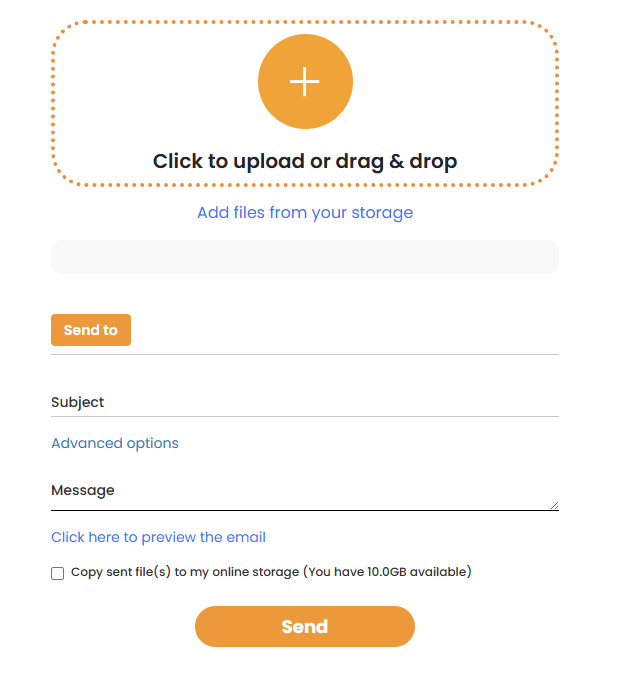
Now the fun part: Select your 2GB file (send up to 50GB on paid plans) by clicking “Upload” or dragging and dropping it into the designated area. DropSend handles large uploads efficiently, even on standard internet connections. Next, enter the recipient’s email address. Remember, the free plan limits you to three recipient per send. Add a subject and optional message if you’d like, then hit “Send.” Your file will be uploaded securely, and the recipient will get a download link via email. They’ll have access for a set period, with no need for them to sign up.
That’s it! DropSend tracks your sends, so you can monitor downloads and stay within your monthly limit. If you need more features like multiple recipients, larger storage (the free plan offers 250MB), or ad-free experiences, consider upgrading. But for occasional large file sharing, the free option is perfect to send a 2GB file for free.
Ready to simplify your file-sharing game? Sign up at DropSend today and experience hassle-free transfers.

