Secure File Transfers: Best Practices, Protocols, and Tools
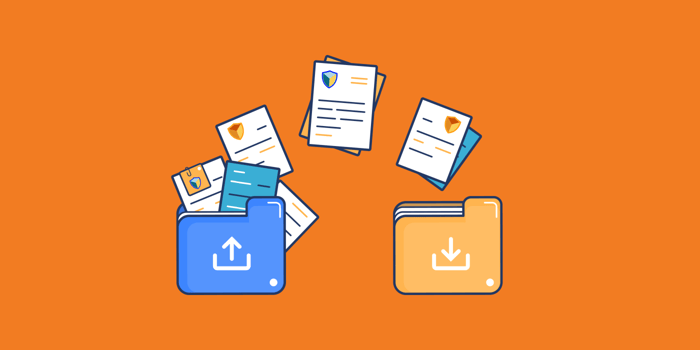
File transfers are crucial for any organization, as they handle various types of sensitive information. With increasing digitization, the volume of data being exchanged is also growing. This expanding digital environment compels both businesses and individuals to adopt best practices, protocols, and tools for secure file transfers.
Organizations transmit a wide range of sensitive data, including financial records, personal information, intellectual property, and business secrets. To ensure this data remains confidential and accessible only to authorized individuals, cybersecurity measures and various encryption and file-sending methods transfers are necessary.
What are Secure File Transfers?
Secure file transfer enables the safe sharing of data by utilizing encryption and secure protocols. Critical business data is safeguarded through secure protocols, including SSL/TLS, PGP, AS2, SFTP, FTPS, and HTTPS. Managed file transfer platforms support these protocols, enabling organizations to standardize their transfer using the most secure methods.
Besides secure protocols, managed file transfer solutions provide additional security features, such as proxy servers that ensure compliance with PCI, SOX, and HIPAA, as well as data loss prevention (DLP) measures.
Best Practices for Secure File Transfers
File transfer needs are diverse and constantly evolving, depending on an organization’s business requirements. New protocols are continually being developed, and data regulations often seem to change frequently.
To address these changing needs, here are some best practices for secure file transfers.
Implement strong authentication methods.
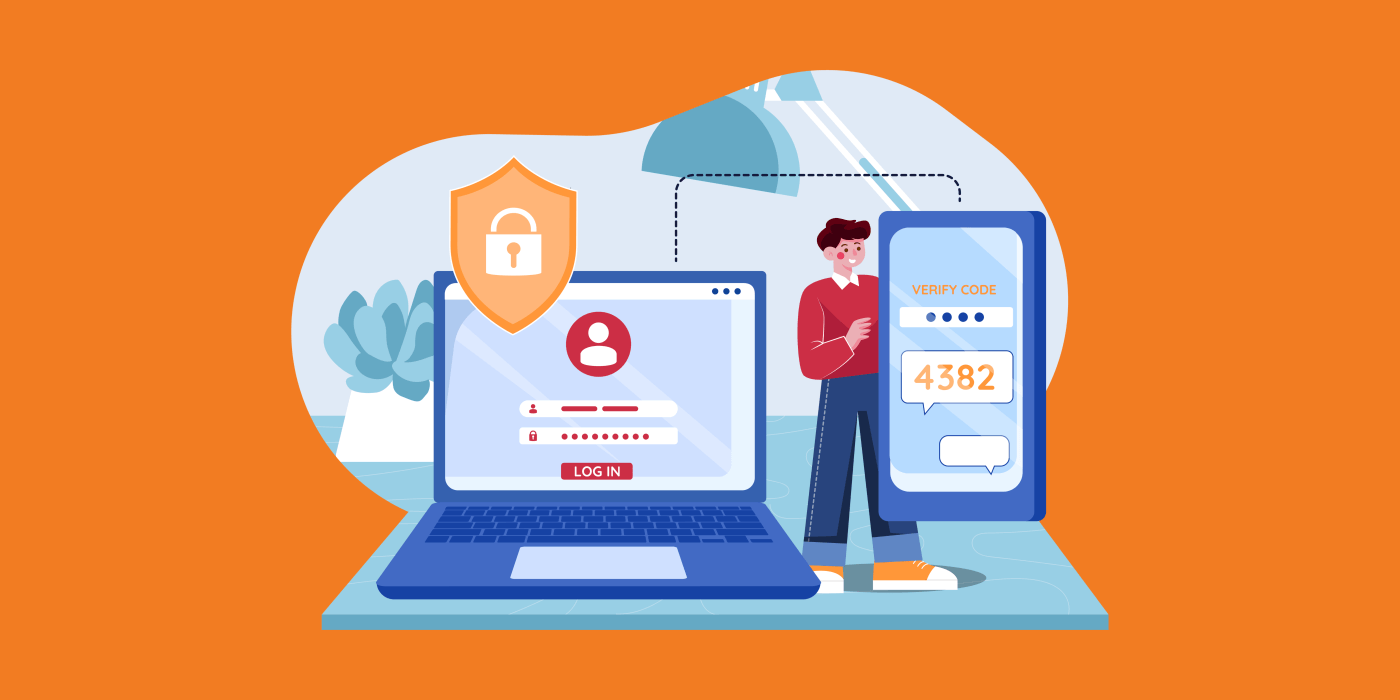
Authentication is the process of verifying the identity of a user or system. To enhance the security of file transfers, it is important to use strong authentication methods, such as multi-factor (MFA), which combines two or more independent credentials (eg., passwords, security, biometric verification).
Use encryption
Encryption is a critical component of secure file transfers. By converting data into an unreadable format, encryption ensures that even if intercepted, the data cannot be deciphered without the decryption key. There are two main types of encryption used in file transfers:
-
Symmetric Encryption: Uses a single key for both encryption and decryption.
-
Asymmetric Encryption: Utilized a pair of keys, one for encryption (public key) and one for decryption (private key.)
Regularly update software and protocols
Keeping your software and protocols up to date is essential for maintaining secure file transfers. Regular updates often include security patches that address vulnerabilities discovered in previous versions. Ensure that all file transfer tools and systems are running the latest versions to protect against known threats.
Monitor and audit file transfers
Continuous monitoring and auditing of file transfers can help detect and respond to suspicious activities. Implement logging and reporting mechanisms to track file transfer activities, and regularly review these logs to identify any anomalies or potential security breaches.
Implement access controls
Access controls restrict who can view or use resources within a computing environment. Use role-based access controls (RBAC) to ensure that only authorized users can access sensitive files and perform file transfers. Additionally, limit the permissions of users to only those necessary for their roles.
Key Protocols for Secure File Transfers

The original file Transfer Protocol (FTP) provided a simple way to transfer files over a network. However, FTP developed in the 1970s, long before data security became a major concern. Although FTP is still in use, its popularity has significantly decreased with the advent of secure file transfer protocols.
So, what is a secure file transfer protocol? Many people might think of SFTP, which is only part of the answer. Essentially, while FTP is considered insecure due to its lack of encryption, secure file transfer protocols offer the necessary encryption to protect data during transmission.
Secure File Transfer Protocols (SFTP)
SFTP is an extension of the Secure Shell (SSH) protocol that provides secure file transfer capabilities. It encrypts both commands and data, preventing sensitive information from being exposed during transmission. SFTP is widely used due to its robust security features and ease of integration with existing systems.
File Transfer Protocol Secure (FTPS)
FTPS is an extension of the traditional File Transfer Protocol (FTP) that adds support for Transport Layer Security (TLS) and Secure Socket Layers (SSL) encryption. This protocol offers secure data transfer by encrypting the control and/or data channels. FTPS is ideal for organizations that require compliance with regulatory standards such as PCI-DSS.
Hypertext Transfer Protocol Secure (HTTPS)
HTTPS is an extension of HTTP that uses TLS/SSL to encrypt data transmitted between a web server and a client. While primarily used for secure web browsing, HTTPS can also be used for secure file transfers, especially when integrating with web applications or services.
Managed File Transfer (MFT)
MFT solutions provide a comprehensive approach to secure file transfers by combining encryption, automation, and reporting features. MFT platforms are designed to ensure data security, compliance, and deficiency in handling large file transfer volumes. These solutions often include features like file tracking, user management, and audit logs.
Top Tools for Secure File Transfers

Choosing the right tools for secure file transfers is crucial for protecting sensitive data. Here are some of the top tools available.
DropSend
DropSend is a file-sharing software designed for sending large files securely. It offers features like setting expiration dates, zero-knowledge passwords, and download limits. DropSend employs 256-bit and end-to-end encryption to ensure data safety during both storage and transmission, using (AES) Advanced Encryption Standard as its encryption protocol.
Additionally, DropSend complies with HIPPA security rules and other privacy and data protection regulations. It also supports data backup and recovery, providing user-friendly and straightforward interface.
Dropbox
Dropbox is a cloud-based file storageand hosting service. It allows individuals and businesses to store, locate, manage, and share digital assets from centralized locations. With Dropbox, users can save files in online folders and sync them across various devices.
Dropbox offers secure such as password-protected logins, breach monitoring, and multi-factor authentication. It employs Advanced Encryption Standard (AES) with 256-bit encryption to protect your data. Once a file is uploaded to Dropbox, it is automatically encrypted and remains encrypted until accessed by an authorized user.
Box
Box is a cloud-based file-sharing that enables you to easily manage and share files across your business on any device. With Box, users can work on documents and collaborate with others anytime, anywhere.
Box offers user-friendly permission roles, device trust, and application controls. It is FIPS 140-2 certified and uses AES 256-bit encryption for data both at rest and in transit.
WeTransfer
WeTransfer is an online file-sharing tool that allows users to send files worldwide including large files up to 2GB for free. The WeTransfer experience features beautiful full-screen backgrounds, which are advertisements sold to brands globally. With WeTransfer Plus, users can send large files using custom background images, remove transfer delete date dates, and personalize their WeTransfer profiles.
WeTransfer adheres to privacy and security standards compliant with GDPR and the Dutch UAVG. It is also ISO-27001 certified and uses TLS (Transport Layer Security) and AES-256 encryption for file transfer and storage.
OneDrive
OneDrive is a cloud-based storage service provided by Microsoft 365. It allows users to store files online, access them from different platforms, and share them with others. Whether you need OneDrive depends on your requirements for storing and accessing files across multiple devices and collaborating remotely.
Microsoft OneDrive offers features such as a “personal vault”, AES 256-bit encryption, and free use of Office 365 with most storage plans.
pCloud
pCloud is a Swiss-based company that allows users and teams to access, sync, and collaborate on files from any device, anywhere. One of its most notable features is the option for lifetime access. pCloud also enables businesses to have customized accounts with professional-looking links for files, personalized covers, featured images, and messages.
Files stored in pCloud are protected with 256-bit AES encryption during and after transfer. To further ensure safety, pCloud uses the TLS/SSL protocol when information is transferred from one device to the pCloud servers.
ShareFile
ShareFile is a secure content collaboration, file sharing, and sync software designed to meet the document-centric tasks and workflow needs of both small and large businesses.
Files uploaded to ShareFile servers are protected with 256-bit AES encryption each, having a unique decryption key. Files transferred between end users are encrypted with SSL or TLS, using high-grade encryption. Share file supports TLS 1.2, the same encryption protocol used by e-commerce services and online banking.
iCloud
Apple’s iCloud is a service that allows users to store, back up access, view, edit, and share a variety of files and information including spreadsheets and presentations, across multiple devices and platforms, as well as with other authorized users.
Apple applies high-security standards for robust protection of iCloud services and strongly recommends enabling two-factor authentication for Apple ID. Apple offers two options for encrypting iCloud data: Standard Data Protection and Advanced Data Protection. Standard protection is the default, with data encrypted using standard encryption and encryption keys stored in Apple’s data centers. Advanced-Data Protection provides a higher level of security, with only trusted devices having access to encryption keys for the majority of data stored on iCloud.
Google Drive
Google Drive is a cloud-based storage service that enables users to store and access files online. The services sync documents, photos, and more across all users’s devices, including mobile devices, tablets, and PCs. Users with Google accounts can automatically share files via Drive, with storage initially limited to 15 GB. Users can upgrade their storage limit as needed.
Google Drive encrypts files in transit using HTTPS, which employs the TLS encryption algorithm. Data stored on Google services is encrypted using AES-128 symmetric encryption.
Data storage and sharing have become the norm in today’s increasingly digital world. As work environments evolve, the need for secure file sharing continues to grow. Consequently, best practices, robust protocols, and enhanced security standards will become more prevalent, ensuring that both users and providers can safely share sensitive information while maintaining integrity and confidentiality.
Protect Your Data with DropSend

With the rise of online data storage and transfer, cyber threats are a persistent concern. To ensure your data is protected and files are securely and efficiently shared, sign up with DropSend. DropSend offers security features such as password protection, download limits, and file expiration dates to safeguard your data. Additionally, it provides user-friendly features such as password protection, download limits, and file expiration date dates to safeguard your data. Additionally, it provides user-friendly features and dedicated support making it a reliable solution for all your file-sharing needs.
Choose DropSend for secure large file sharing! Sign up for a 1-month free trial now!

