Using Cloud-Based Document Management For Digital Files

Cloud-based document management or storage aids individuals worldwide in handling digital files, enhancing collaboration, and increasing productivity. Managing, arranging, and retrieving digital files, photos, and videos in a centralized and secure location can be daunting, particularly with remote and outsourced teams. Thus, digital document management systems have transitioned to cloud storage systems.
As more teams embrace paperless workflows and heightened collaboration cloud document storage emerges as a solution, offering well-organized and accessible files from any location.
What is the Difference Between Document Storage and Online Document Management Software

Document cloud storage is a system where digital documents, files, and data are stored, organized, and accessed through online servers rather than traditional local storage devices. This approach allows users to save, manage, and retrieve their documents from any location with internet access. Document cloud storage services offer features such as collaboration tools, version control, and enhanced security measures to facilitate efficient and secure handling of digital content. Popular examples include platforms like Google Drive, DropSend, and Microsoft One Drive.
Online document management software on the other hand is a digital tool designed to help users, store organize, and manage their documents over the Internet. This type of software enables users to create, edit, collaborate on, and share documents in a virtual environment. It often includes features such as version control, access control, and collaboration tools to streamline document-related workflow. Online document management software eliminates the need for physical paperwork and provides a centralized, accessible platform for users to handle digital files securely. Examples of such software include Google Workspace, DropSend Business Lite, and SharePoint.
While both online document management software and document cloud storage serve as digital solutions for handling documents, they differ in their core functionalities. Document Management Software (DMS) offers a comprehensive suite of tools for document creation, collaboration, and workflow management, while document cloud storage primarily serves as a digital repository for storing and retrieving files with basic collaboration features. However, it is important to note that cloud service providers can offer both services, allowing users or businesses to choose based on their specific needs and priorities.
Online Document Management: A Move to Going Paperless

In the past, a “document manager” refers to an individual or a group of individuals responsible for organizing physical documents in file cabinets, controlling access, making copies, and ensuring document security. However, managing documents in a traditional, paper-based system was both frustrating and costly.
Today, cloud-based document management software has become the default method for companies to handle documentation. This software digitally stores documents, offering significant advantages over traditional paper systems. Unlike paper documents, digital files are easily sortable, searchable, editable, and convertible.
Most companies now employ a combination of traditional document management and document management software. While the software brings notable benefits and cost savings compared to traditional storage, some companies still engage in activities requiring paper and ink.
Many companies are transitioning to paperless document management, gradually moving towards a paperless approach. In the feature, an increasing number of companies are expected to shift from traditional document management to cloud-based document management software to capitalize on lower costs, enhance performance, and greater functionality in this technology-driven frontier.
Why Should You Manage Your Documents in the Cloud?
The emergence of the internet stands out as perhaps the most significant revolution in the business landscape’s history. It has transformed communication, shopping, and work, revolutionizing the document management approach.
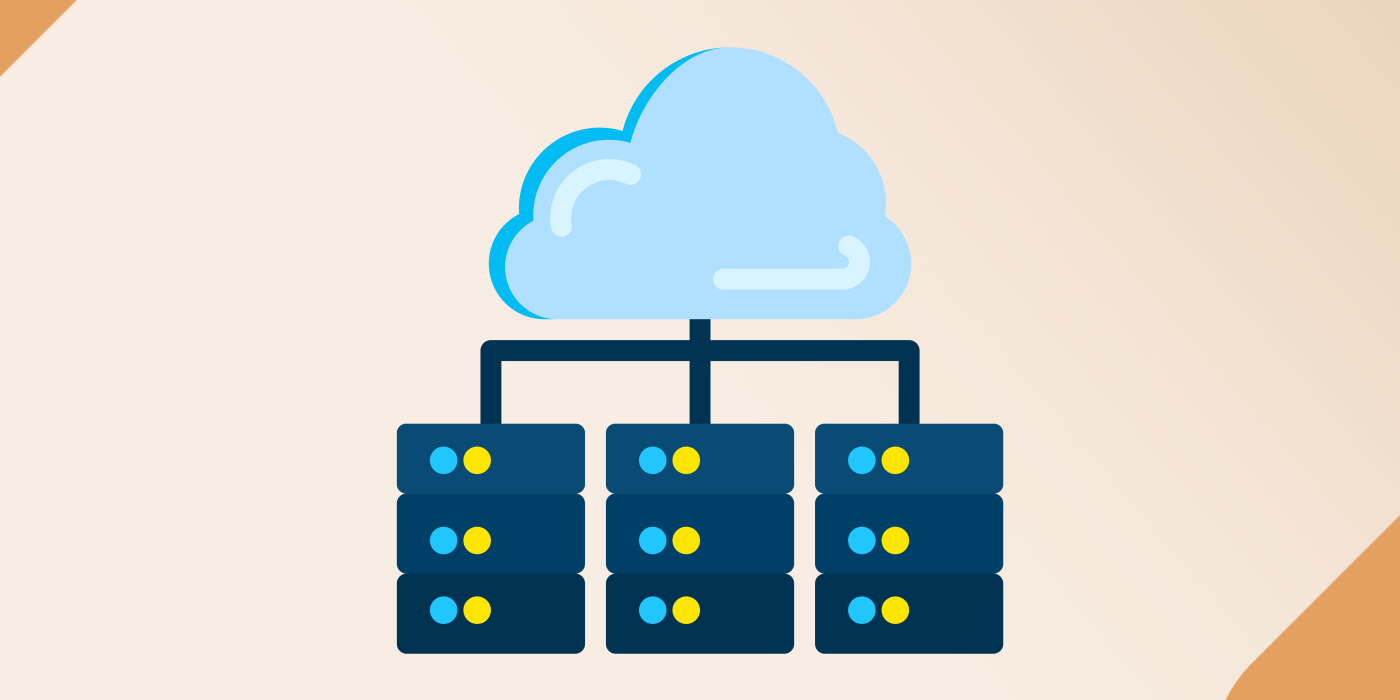
In a “cloud-based” document management system, your documents are stored on a server’s hard disks rather than your computer’s hard drive. This brings several distinct advantages to your organization such as secure document management and many more.
Accessibility
The number of individuals engaged in remote work tripled from 2019 to 2021, signifying significant shifts in the business landscape. This ongoing post-pandemic transformation underscores the importance of management and document storage online for various industries. Cloud-based document management enables global teams to access and collaborate on files from any location with an internet connection, proving advantageous for remote workers and employees on the move. Online document storage offers flexibility, allowing users to copy, edit, and share files as needed.
Collaboration
Collaboration plays a crucial role in the development and advancement of any organization. As the trend of hiring employees online continues to rise, the capacity for teams to work together effectively, despite being in different locations, becomes vital. Cloud platforms play a pivotal role in fostering smooth collaboration among team members, enabling multiple users to collaborate on a single project simultaneously. This not only improves teamwork but also expedites project completion by boosting communication, organization, and time management.
Version Control
Cloud storage systems commonly incorporate version control functionalities, guaranteeing the tracking of changes and the ability to revert to previous versions if needed. This stands as a vital feature in document management systems, as it plays a pivotal role in ensuring the utilization of the most current and precise documents. This feature significantly enhances collaboration, efficiency, quality, and security within the document management process.
Security
Opting for online document management provides heightened security when compared to on-premise storage. Contrary to common concerns about the internet’s association with malware and viruses, cloud-based storage emerges as a safer alternative. Cloud services frequently implement robust security measures to safeguard documents against unauthorized access, potential data loss, or physical damage. Utilizing encryption and authentication protocols further bolsters document security. Additionally, the system facilitates improved network segmentation, effectively thwarting hackers from exploiting vulnerabilities in one segment to access data in another. This robust approach fortifies the overall security of your document storage and management.
Cost Efficiency
Adopting cloud-based management can result in substantial cost reduction. Unlike maintaining in-house storage servers, cloud storage has the potential to slash your storage expenses by up to 87%. With cloud-based document management, files reside on the cloud rather than on local servers or hard drives. This means the additional costs associated with utilities and labor required to ensure the security and functionality of physical storage, making it a cost-effective option for businesses of all sizes.
Scalability
Scalability is not merely a buzzword in cloud services or outsourced processes. An online document management software solution can sustain its functionality, irrespective of the magnitude of processing needs or data sets. It doesn’t only accommodate both upward and downward growth but also efficiently handles small quantities as effectively as larger ones. This signifies that whether a business is a start-up or a large enterprise, cloud-based document management seamlessly adjusts to evolving requirements.
Environmentally Friendly
Opting for a paperless approach through cloud-based document management plays a pivotal role in promoting environmental sustainability. This shift diminishes the reliance on paper production, minimizing the carbon footprint linked to physical document storage. Considering that paper waste constitutes a large fraction of office waste, businesses can significantly reduce the amount sent to landfills by embracing online document management solutions. This not only conserves space but also mitigates environmental risks related to landfills, such as methane emissions.
Online Document Management With DropSend©’s Business Lite Plan

Amidst the myriad advancements that businesses have undergone, two impactful forces stand out: cloud services and large file-sharing systems . The challenges of managing documents in a growing business, and navigating the chaos of searching for the right file through boxes, cabinets, or endless email chains and messages, can be overwhelming. However, the advent of cloud-based document management systems transforms this scenario, placing everything within easy reach and clearly defining the process owner. No longer does one need to expend time tracing down files, as audit logs meticulously track access details.
The Drop Send’s Business Lite Plan emerges as a robust document management system, fortified by a 256-bit encryption protocol, ensuring comprehensive security. Tailored explicitly for teams, it facilitates collaboration and secure file sharing for up to 10 members. For larger teams, DropSend offers scalability. The exclusive option for teams to sign up for the Business Lite Plan through direct contact emphasizes the confidentiality of business details. This direct communication enables businesses to communicate their team goals, aligning them with DropSend and culminating in a personalized plan.
In the world of business expansion, the last impediment one needs is a mountain of paperwork. DropSend steps in to address these concerns comprehensively from the outset. Whether it’s the initiation of the digital transition or a period of expansion, every file and document is meticulously sorted, organized, and easily accessible. Solutions like DropSend provide the ease that accompanies an efficient document management system, allowing businesses to focus solely on accomplishing tasks.

