Take the DropSendTM Tour
7 of 9 - Upload to Online Storage
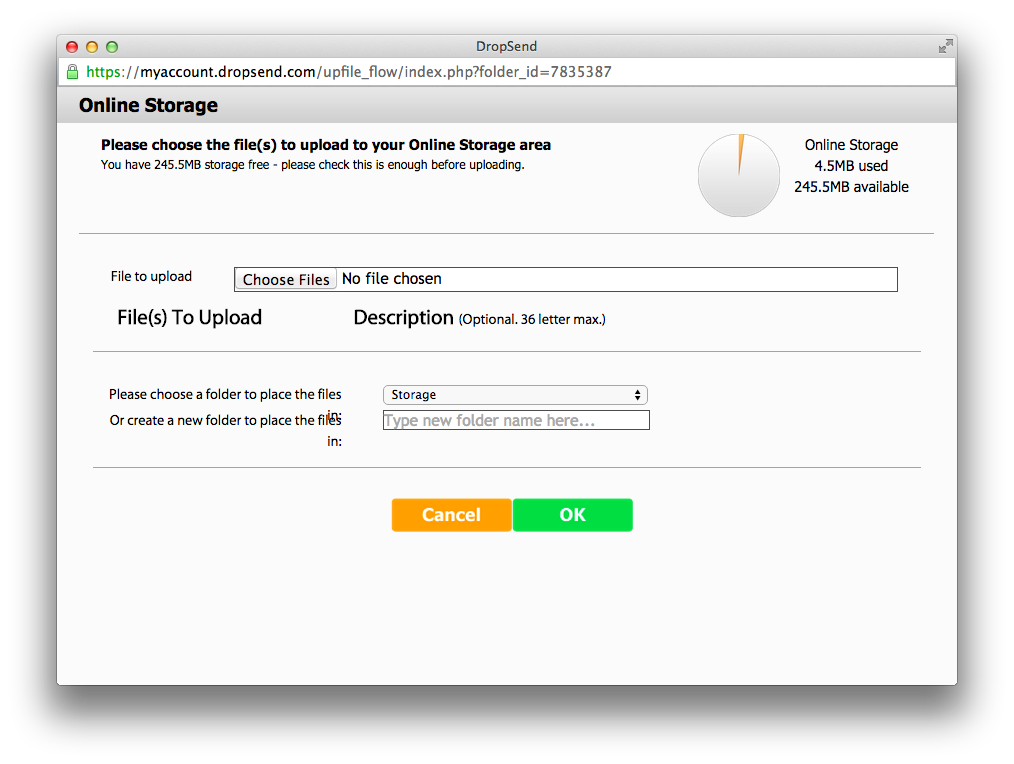
Uploading files to your Online Storage folder is easy. Just browse for up to five files, choose the folder where you want to put them, and click 'Start Upload' - it's that simple.
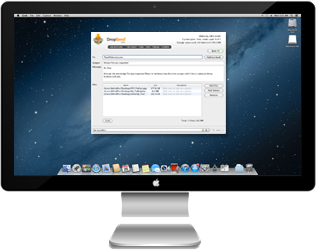
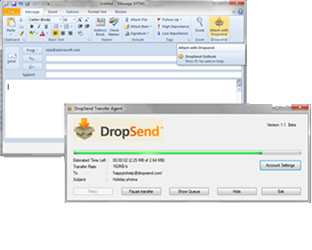
If you want to upload entire folders, just grab our free desktop upload tool (Mac and PC) to make things easier.
Plans & Pricing